
Last updated: · Play Tiranga Game editorial team
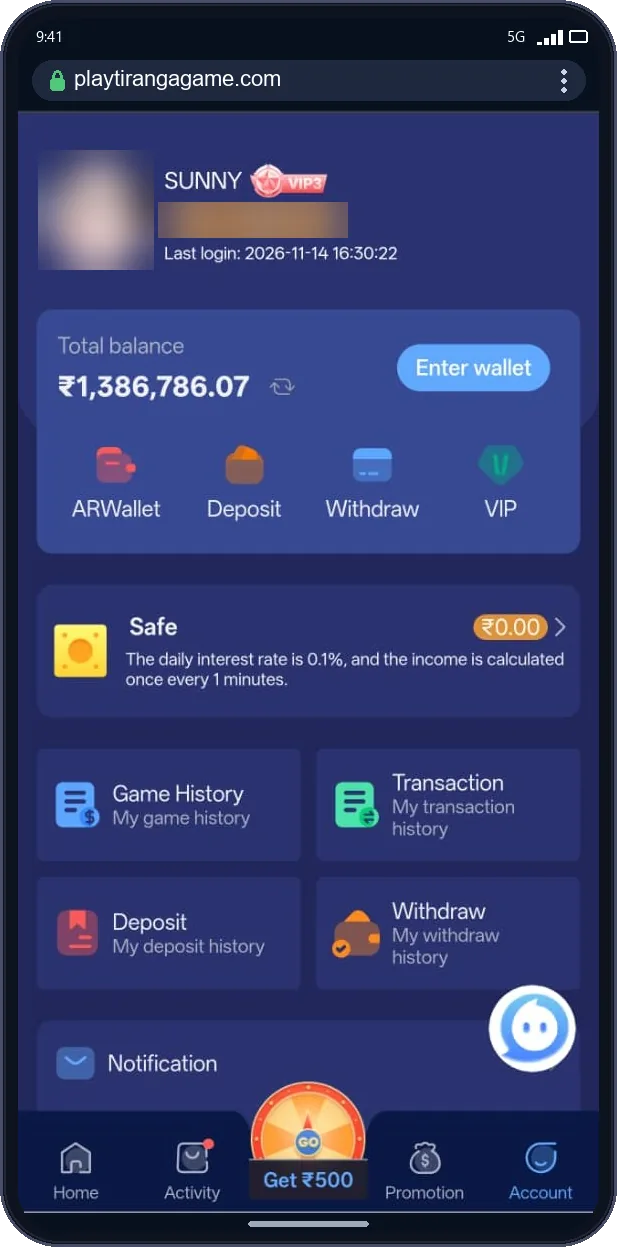
Tiranga Game customer care is inside the app. Tap the round customer service button that floats on most screens. Choose the self-service centre or chat with an agent, and give your UID. Ignore "helpline numbers" posted on social media.
Contact Tiranga Game customer care step by step
- Log in and tap the floating customer service icon.
- Pick the Self Service Center for deposit and withdrawal checks, or Customer Support for chat.
- Enter your UID and describe the problem in one or two lines.
- Attach a screenshot and the payment reference if it is about money.
- Check the reply or the review result in the same window.
Fake customer care numbers
Scammers post "Tiranga Game customer care numbers" and ask for remote-access apps or a "verification fee". The only safe channel is the one inside the app. If you were cheated, see report fraud and get help.
Contact playtirangagame.com
For corrections to this guide, use the about page. We cannot see or change any game account.
Tiranga Game customer care topics
| Topic | Use | Have ready |
|---|---|---|
| Deposit not credited | Self Service Center | UTR, amount, time |
| Withdrawal delay | Self Service Center | Order number, payout details |
| Login or password | Customer Support chat | Registered phone number |
| Bonus question | Customer Support chat | Bonus name and date |
| Account closure | Customer Support chat | UID |
How long Tiranga Game customer care takes
Chat replies usually come within minutes. Payment reviews can take a few hours. Keep the chat open and do not create several tickets for the same issue, because that slows the review.
Tiranga Game customer care: questions
Does Tiranga Game customer care work 24 hours?
The in-app chat is normally open around the clock, though payment reviews may be slower at night and on holidays.
Can Tiranga Game customer care reverse a lost round?
No. Settled results cannot be changed. Customer care can only check technical problems, such as a round that did not load or a payment that did not credit.
What language does Tiranga Game customer care use?
Chat usually works in English, and many agents understand Hindi. Keep messages short and include your UID.
Tiranga Game customer care: tips for a fast answer
What should my first message to Tiranga Game customer care say?
One line with the problem, then your UID, the time, the amount and the order or UTR number. Attach a screenshot. Short, complete messages get answered first.
Should I contact Tiranga Game customer care on social media?
No. Accounts on social media that claim to be customer care are often fake. Use the in-app button only.
What if Tiranga Game customer care closes my ticket?
Open the chat again and reply in the same thread with any new information, such as a bank statement line.
Tiranga Game contact: quick answer
What is the Tiranga Game contact method?
The Tiranga Game contact for account and payment problems is the in-app customer service chat. Have your UID, the order number and a screenshot ready. playtirangagame.com is an independent guide and cannot open or fix accounts. For fake support numbers, read the report fraud guide.
Conclusion
Reach Tiranga Game customer care through the in-app service button, with your UID and a screenshot. Do not use numbers found on social media, and never share your OTP.